
AI chat, live chat and forms for your website.
Help visitors find answers, reach your team and send enquiries. Add Gosoft Connect to your existing website and manage the tools in one place.
- Answers from your own content
- No cookies, stored in the EU
- Installed in about 10 minutes

One platform for every customer conversation
Six tools for three jobs, all from the same install line. Plus free Q‑Forms for customers in person.
Works with
- WordPress
- Shopify
- Webflow
- Wix
- Squarespace
- plain HTML
Answer
Visitors have questions. The chat answers at once, either with AI from your own content or through the button-led flows you built yourself.
GoChat AI+: An AI assistant that knows your business
Reads your website, docs and FAQ and answers visitors from them at once, around the clock.
- Shows the source it answered from
- Speaks in your brand voice
- Passes the visitor to your team or a contact form when a person is needed

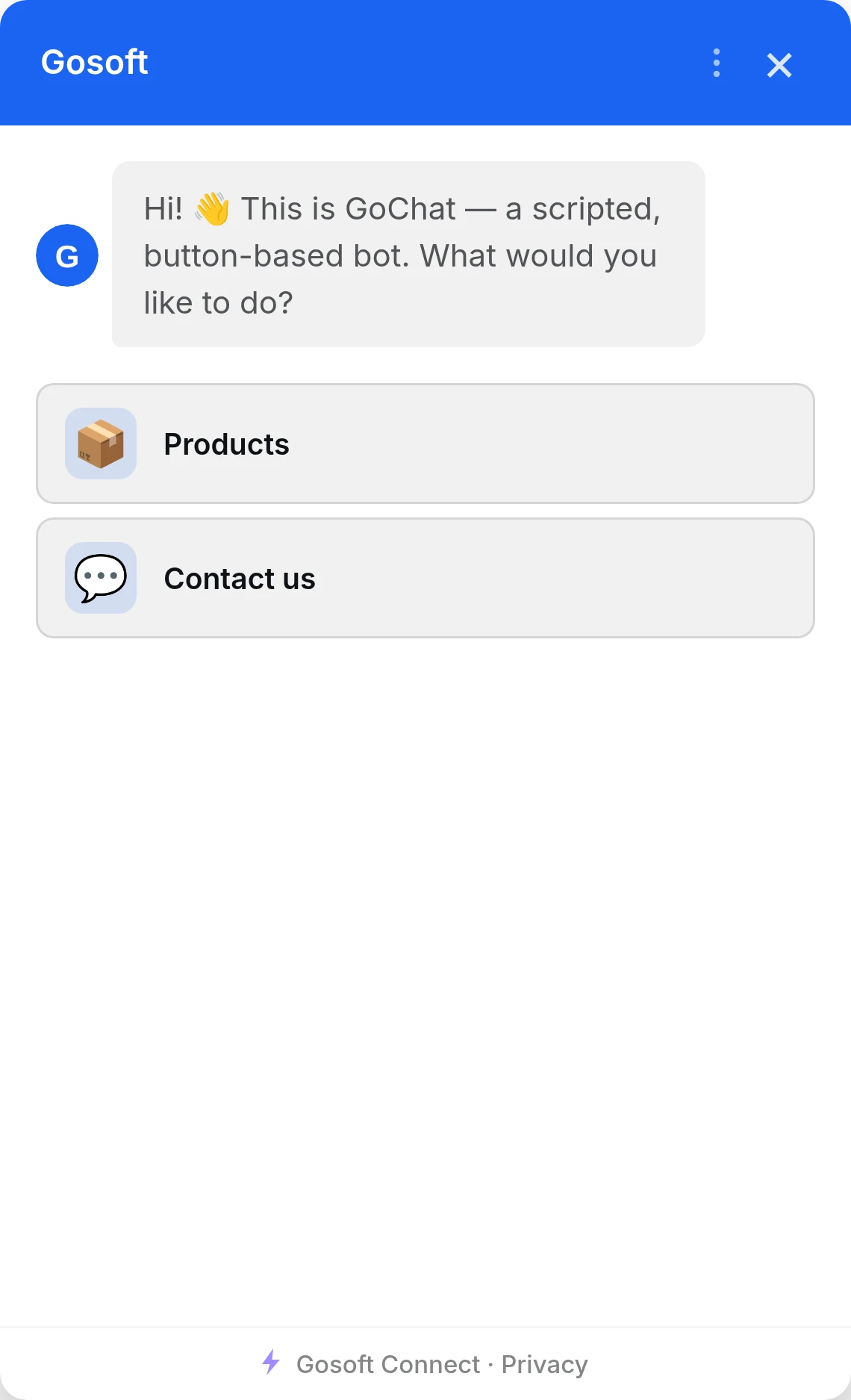
GoChat: A button-led chat that answers the same way every time
Prefer fixed answers to AI? GoChat runs button-led conversations you build yourself: fast to set up, predictable every time, and the budget-friendly alternative to GoChat AI+.
- Visual flow editor, no AI to train
- Predictable Q&A paths you write yourself
- Forms inside the chat: contact details straight to your inbox

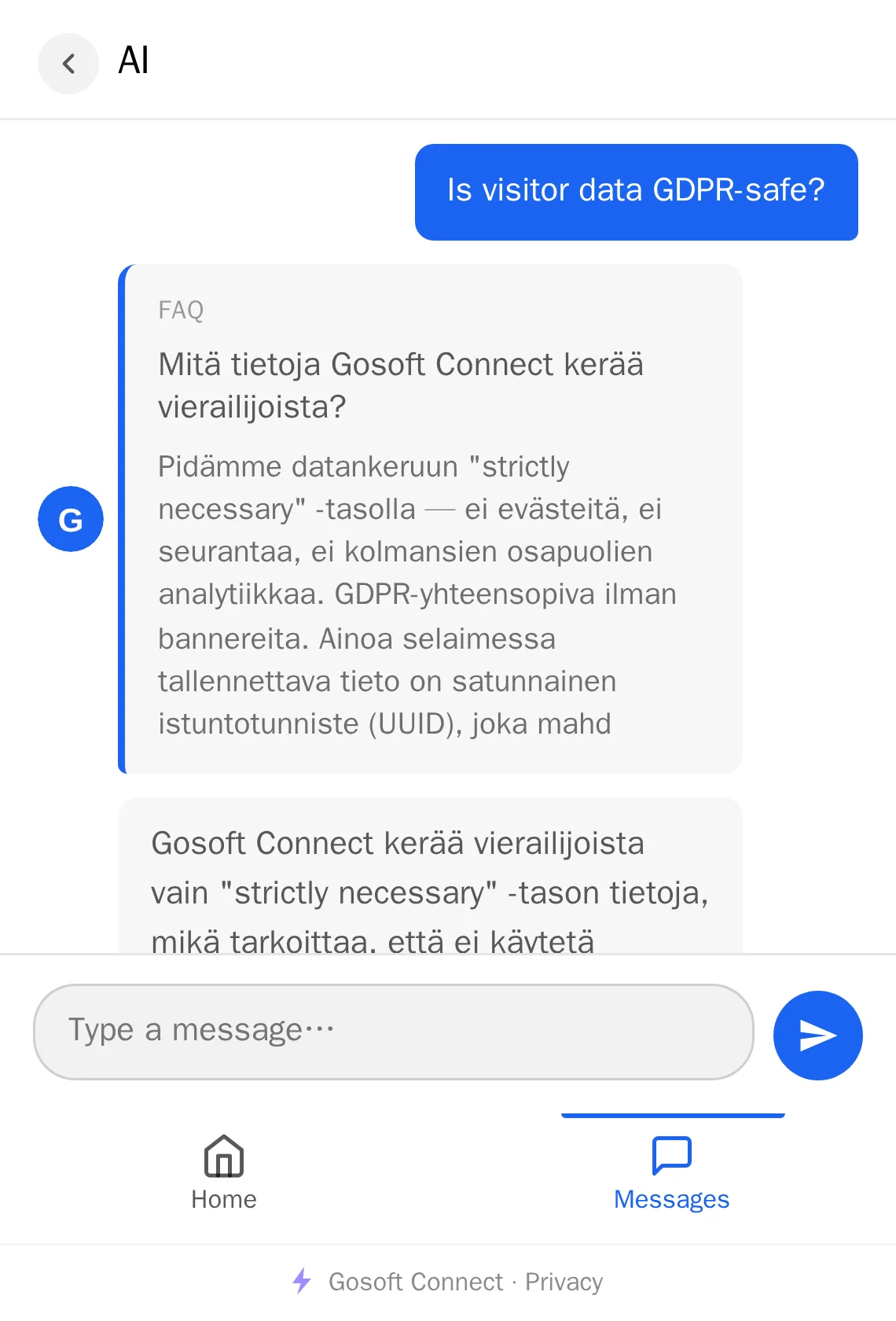
GoChat AI+ answers from your content, not the whole internet
Give GoChat AI+ your own pages, docs and FAQs. It replies only from what you gave it, so it stays accurate and on-brand instead of making things up.
Feed it
- Paste textFAQs, policies, product copy
- Add a URLWe read the page for you
- Upload a filePDF, DOCX, TXT or Markdown
It answers
You decide the content: remove a document from the knowledge base and the assistant stops using it.

Built for the humans on both sides of every conversation.

Step in
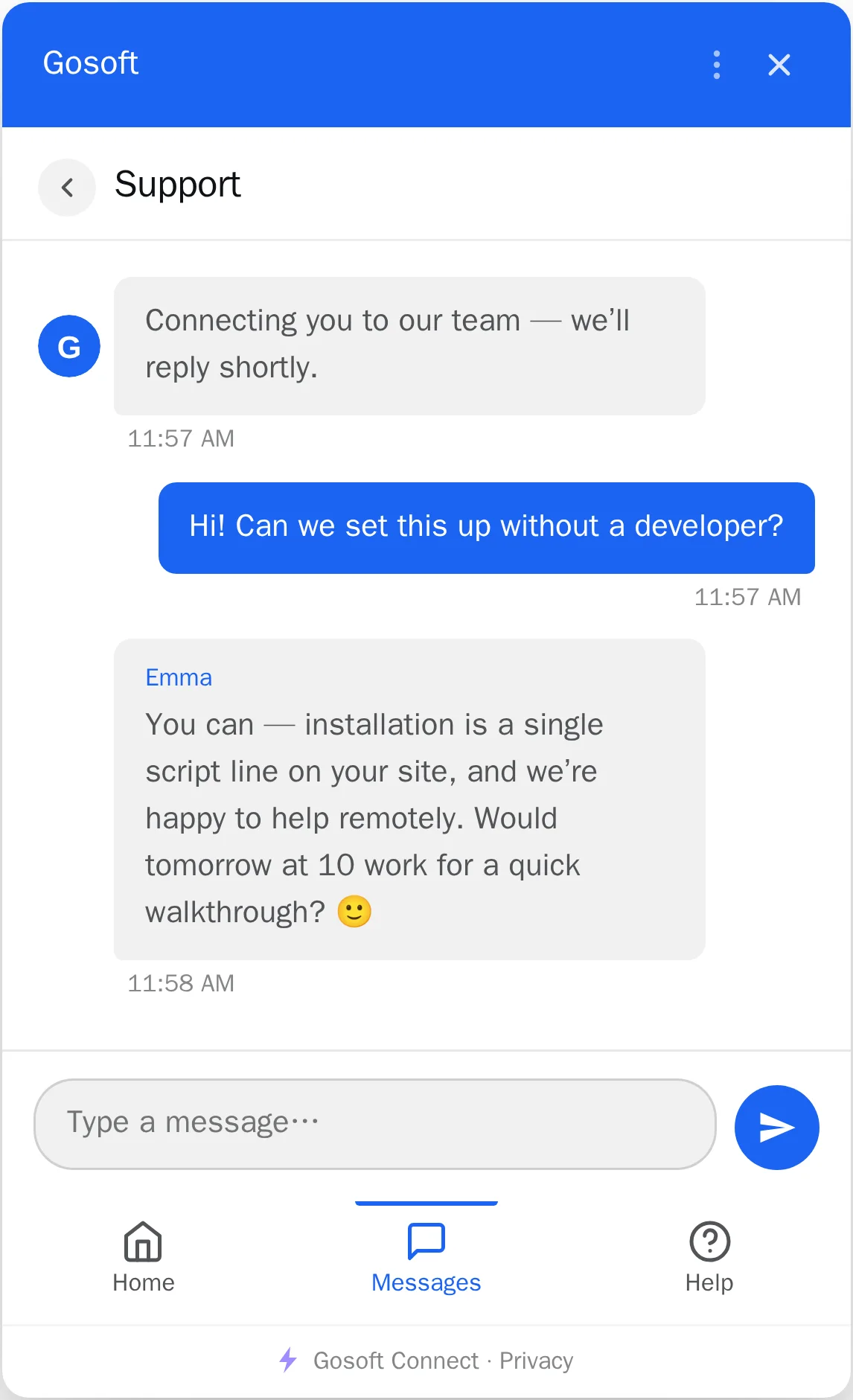
Some conversations need a person. Your team takes over in the same conversation, and the visitor never has to start again.
GoLive: Real human live chat on your website
Talk directly with visitors when the conversation needs a person. Your team answers in the portal, in a browser or on a phone.
- A notification and a chime when a visitor asks for a person
- Visitors can leave a message when nobody is in
- The full conversation history, including what the AI said
Convert
Interest fades if visitors have to hunt for a way to get in touch. A form, a slide-in and a popup put one within reach.
GoForms: Forms that look like your site and deliver every reply at once
Ask only what you need. Fields can branch on the visitor’s answers, so each person sees only the questions that apply to them.
- Your own fields and conditions, no code
- Replies straight to your inbox or your own system
- Spam protection without captchas

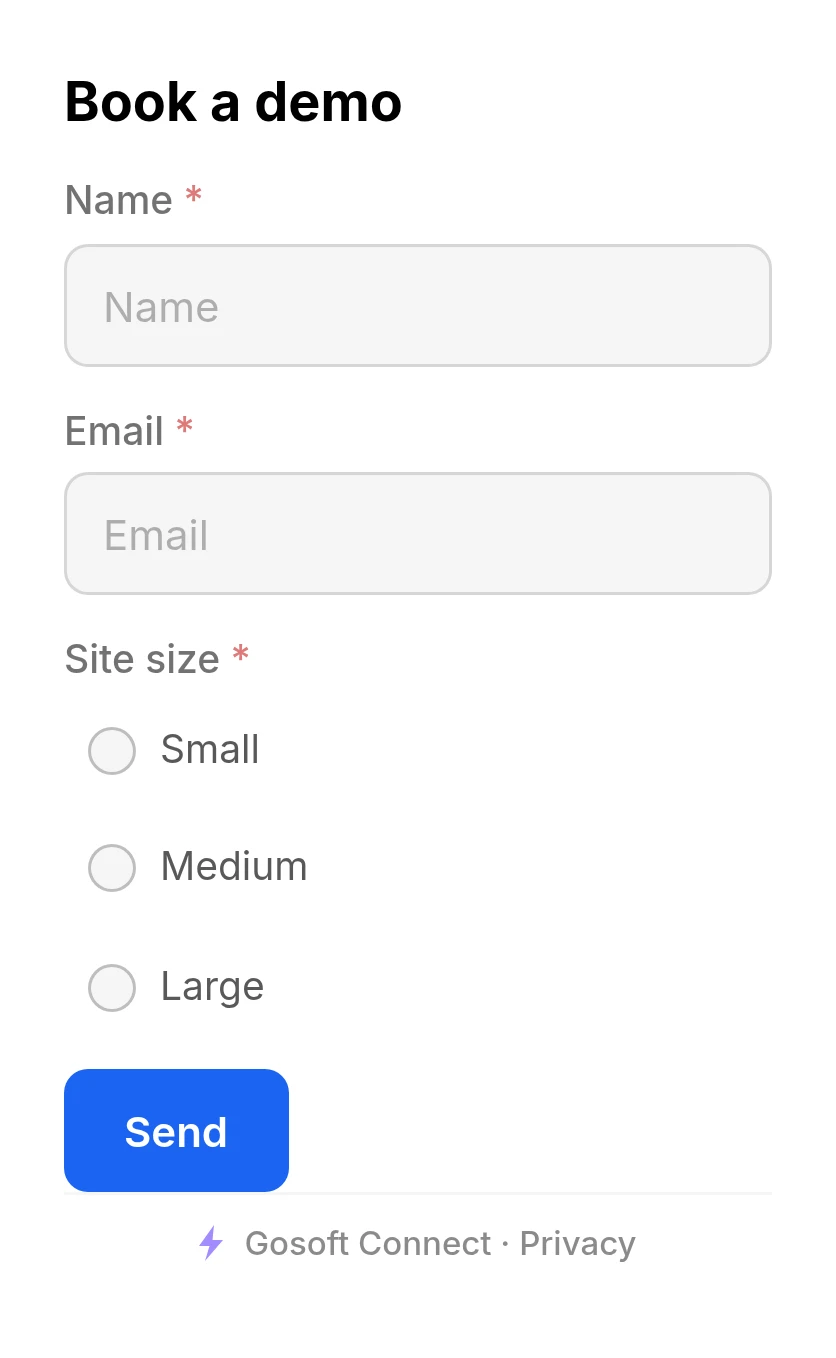
GoSlide: A slide-in that stays at the edge of the page until the visitor opens it
A small tab invites contact, a booking or an offer without interrupting their reading. Once opened, the form slides in from the edge and the visitor stays where they were on the page.
Learn more: GoSlide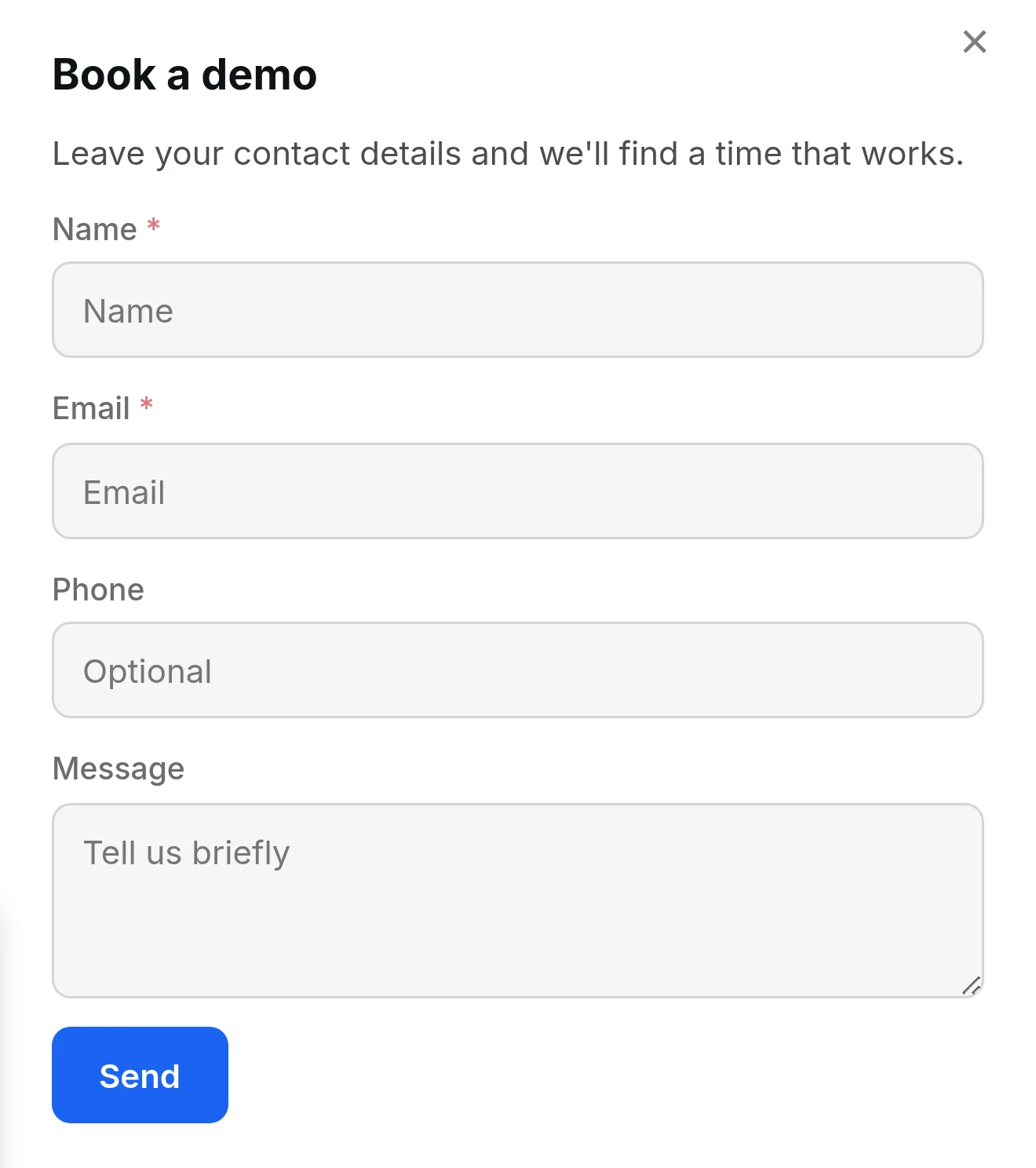
GoPopUp: A popup for the moments you need attention now
An image, text and a form in one window: a newsletter sign-up, an offer or a contact request at the moment a visitor is leaving or has read enough.
Learn more: GoPopUp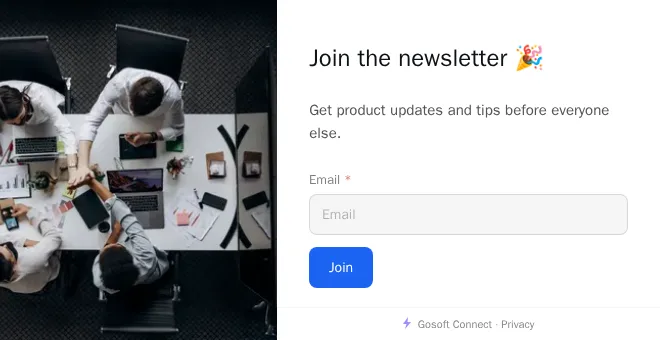
Proof, not a logo wall.
We’d rather earn trust on what the product does than stack a wall of badges. The numbers below come from our own delivery log, not an estimate. Named customer stories go up the moment customers say yes.
- 5/5Rated on GoogleRead the reviews (opens in a new tab)
Built to earn its place on your page
Most chat widgets slow the page down, look foreign and bring cookies along. We don’t make those trades.
See what’s under the hoodNot this:
An extra script that drags your speed score down.Light on your page
The install script loads asynchronously, so your page never waits for it. Only the widgets your site uses are loaded.
Not this:
A boxed iframe bolted on top of your design.Looks like your site
A style-isolated custom element that renders inside the page and inherits your look, instead of fighting it.
Not this:
One more consent banner to bolt on, and a vendor who cannot tell you why.Less privacy work
No cookies and no tracking pixels. Data is stored in the EU, visitors erase their own record in one click, and analytics can be gated behind your own consent tool with one setting. You stay the controller and decide what your site needs.
Not this:
An AI that will say anything to anyone on your site.Safe in front of customers
Every message is safety-checked before and after the AI replies. Harmful requests get a safe answer and land in a review queue.
FreeQ-Forms
Print a QR code and replies land in your inbox
Not every customer comes through your website. Q‑Forms takes the form to where they already are, with no admin panel for you to check.
- Use cases: job applications on the door, time bookings at the salon, feedback at the table
- Works on any phone with a camera, and your customers install nothing
- Design your form in minutes, no developer needed
- Free for anyone to use: no payment to get started


How to get started
From the demo to a working chat on your site, no developer needed.
Book a demo
We look at your site together and choose what you need. Then we open your workspace.
We build the base
The guided setup reads your site, and Kollega, the portal helper, proposes widgets from its content. You review and approve.
Paste one line and publish
One line of code on your site: WordPress, Shopify, Webflow or plain HTML. About 10 minutes to install, no coding.
<script src="https://connect.gosoft.fi/install.js?wid=YOUR-ID" async></script>Questions, answered
The things teams ask us most before getting started.
How do I add Gosoft Connect to my site?
With one small script tag. Paste it in once and your widgets appear: no plugins, no rebuild, and no developer needed for day-to-day changes.
What does it cost?
Build for your own website from €29 a month, or ask Gosoft to build and hand over a solution: Starter from €99, Growth from €179 and Business from €349 a month per website, excl. VAT. Initial setup is usually a separate quote. Agencies have a separate partner offer.
Is it GDPR-compliant?
Compliance is yours to own as the controller: no vendor can promise it for you. What we do is make it straightforward: no cookies at all, no tracking pixels, data stored in the EU, one-click erasure for visitors, and a switch that holds analytics until your consent tool allows it. Whether your site needs a banner is your call, and we will not pretend to make it for you.
Does the AI just make things up?
It is limited to answering from your own content: your knowledge base and pages. When it cannot find an answer, it says so instead of guessing, and offers a contact form or, if you have live chat, your team.
What languages does it support?
The widgets’ built-in texts come in Finnish, Swedish and English, and a widget shows the page’s language from the languages you switch on. Kollega translates your content for you. The portal runs in the same three languages.
How much work is the setup for me?
Not much. The guided setup reads your site and fills in the languages, contact details and opening hours. On the AI plans, the knowledge base is built from your pages. You review, paste one line of code and publish.
Is there a minimum contract term?
No. With monthly billing you can cancel any month, and the plan runs to the end of the month already paid. Yearly billing is paid a year ahead. There are no multi-year contracts.
Can I see it working before I decide?
Yes. Book a demo and we show it running on your own content. You can already see the widgets working on this page.
Ready to turn more of your traffic into conversations?
In a demo we show you Gosoft on your own site, and we help you get it installed.